
Category: Software
The beta for the new Steam Library is out today. If you want to opt in:
- With Steam running, click on “Steam” in the upper left, then choose the “Settings” menu. (Preferences on Mac) or follow this link.
- On the “Account” tab under “Beta Participation” click the “Change…” button.
- Select the “Steam Beta Update” from the drop down list and click “OK”.
- You will be prompted to restart Steam, please select the “Restart Steam” button.
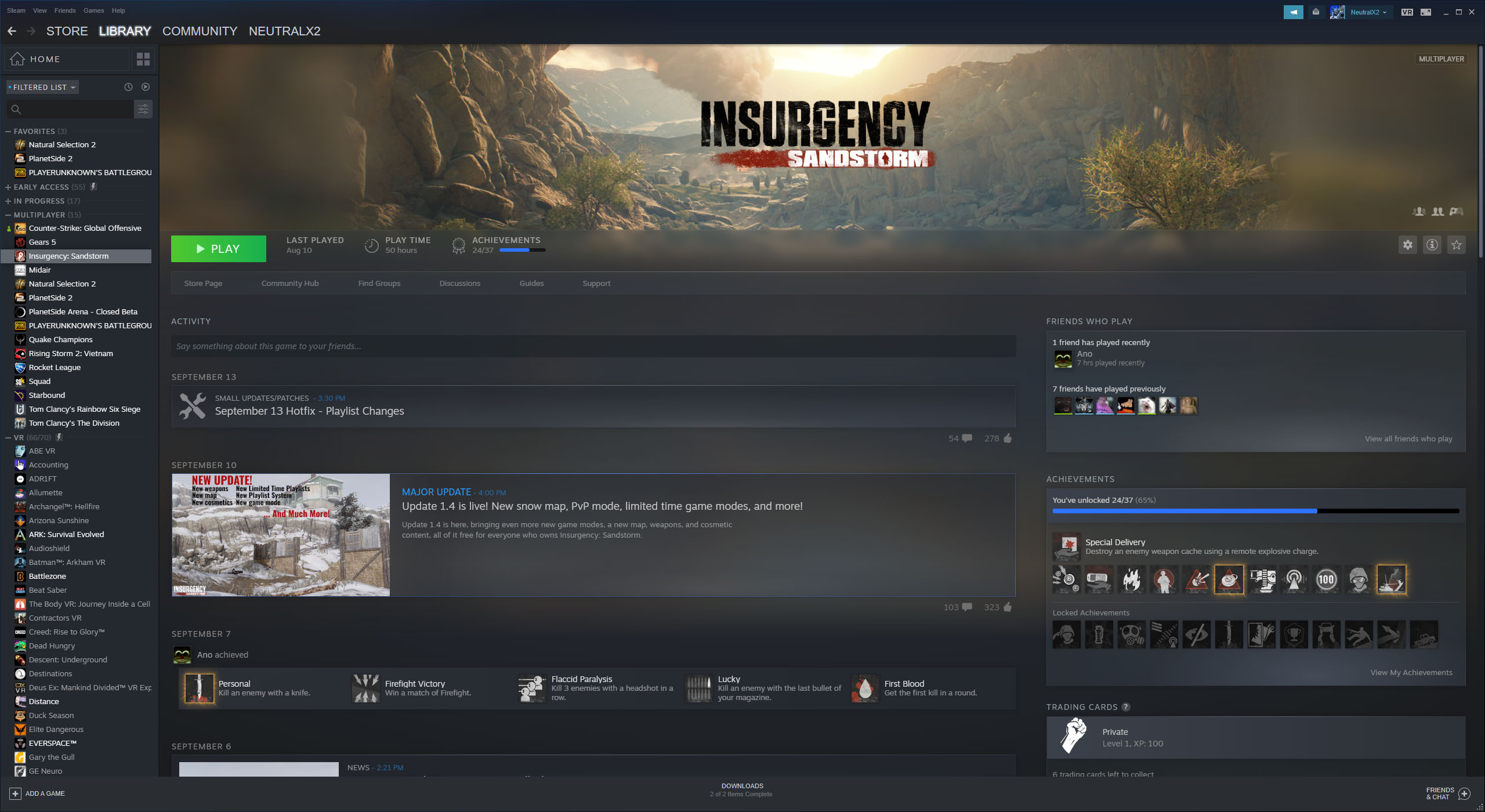
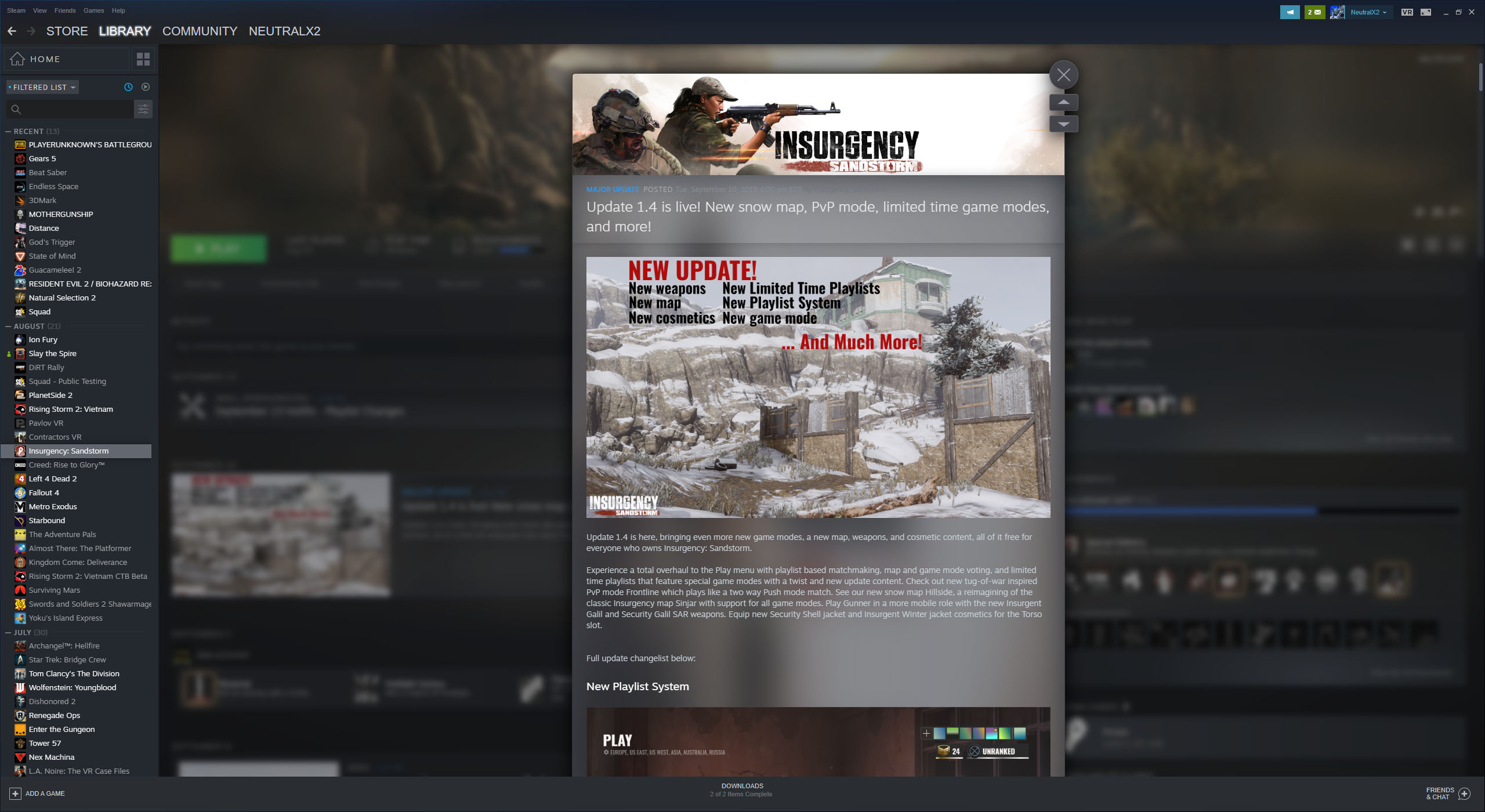
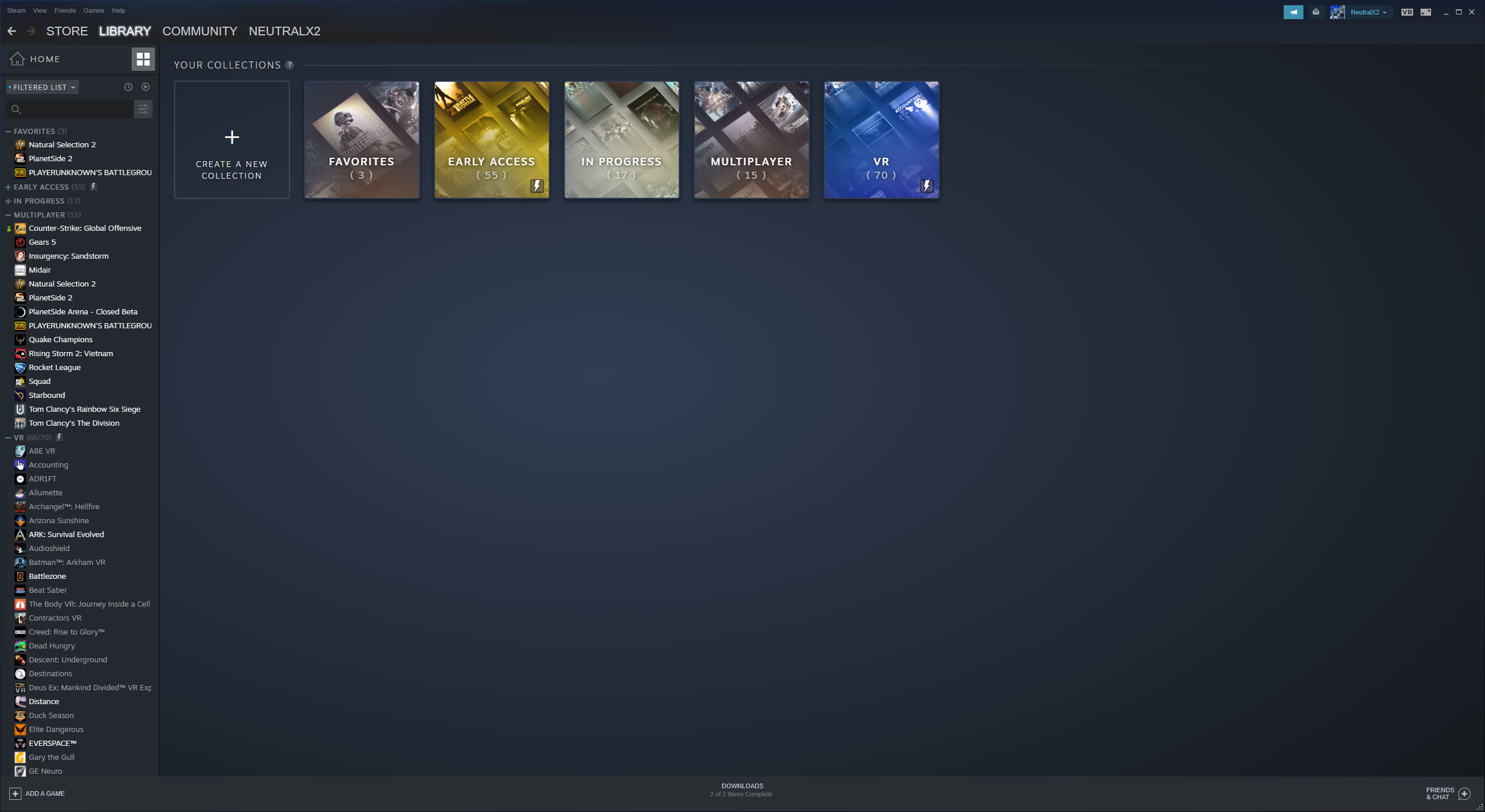
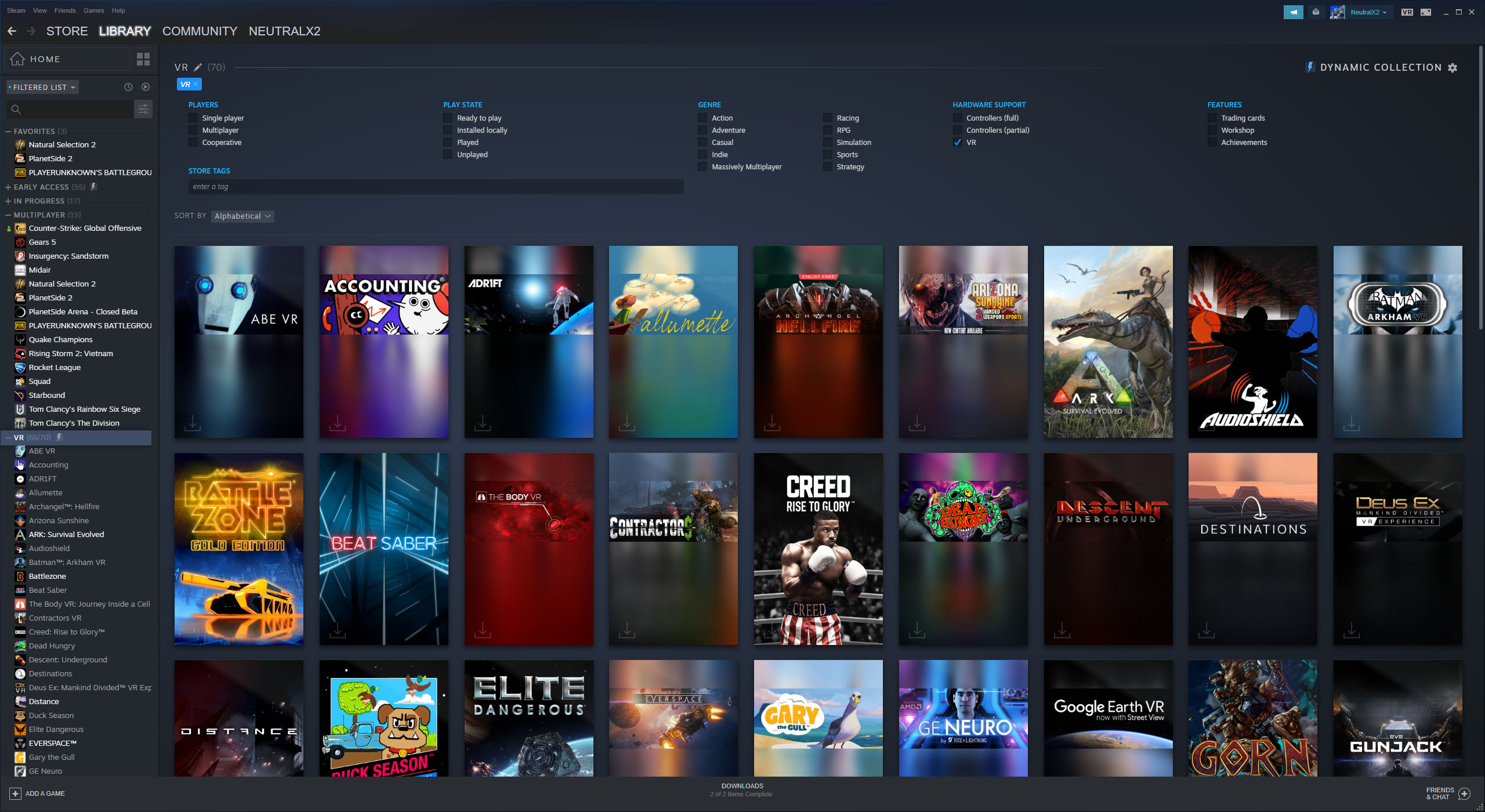
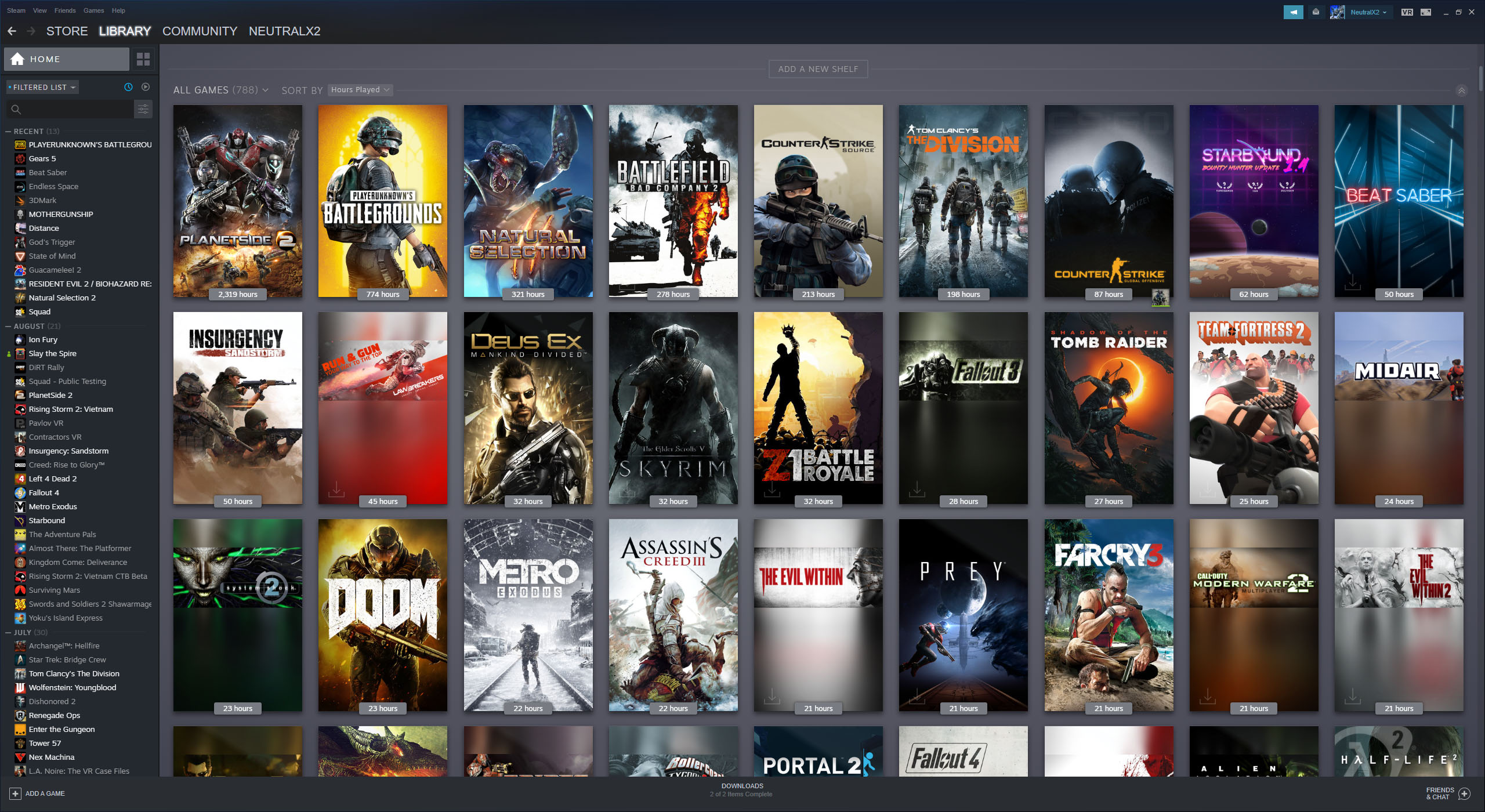
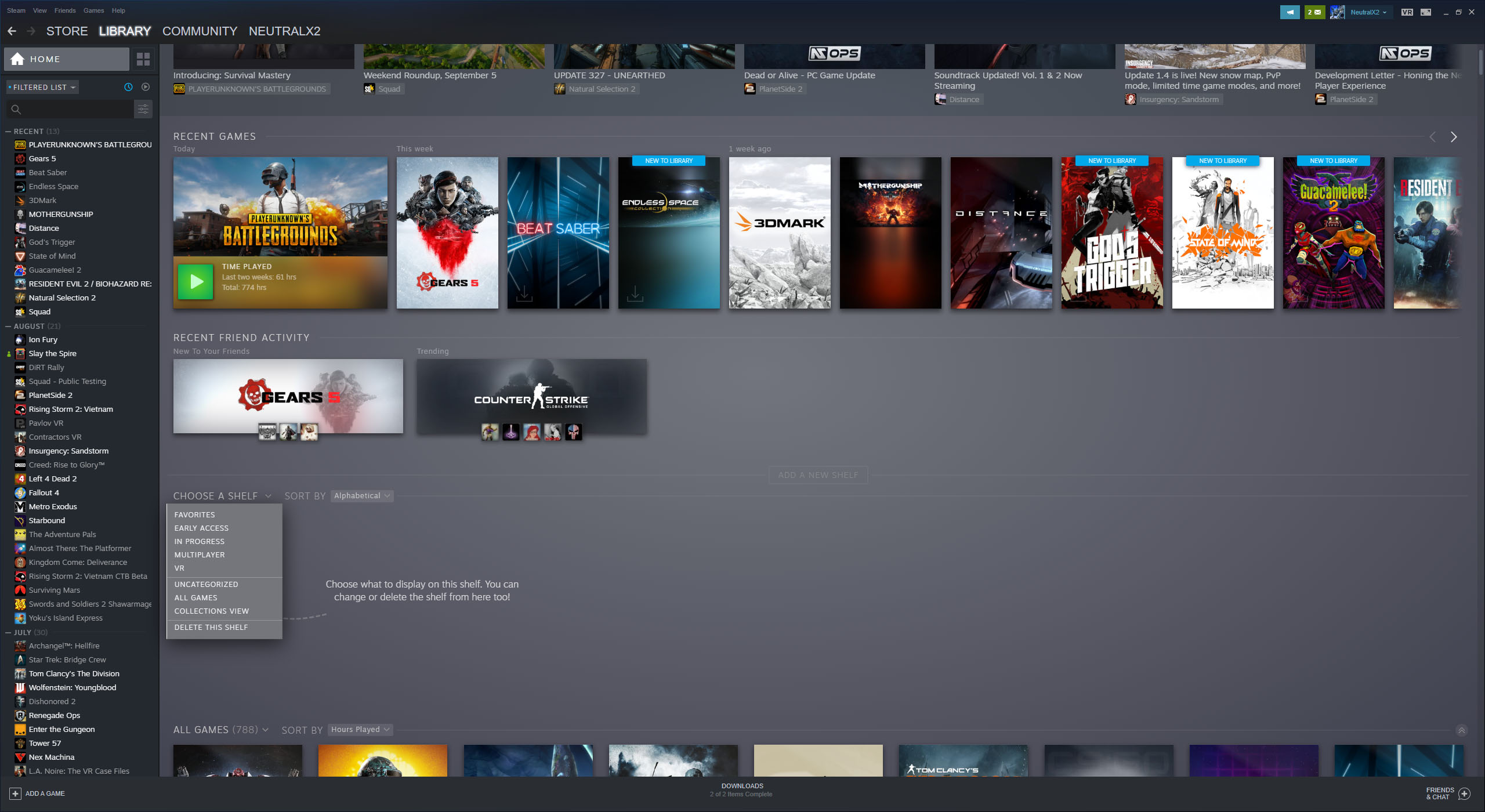
I have to say I like what I see. Game pages are way more interesting now, and the dynamic collections are pretty neat. Collections are more or less the same as the old categories we had and you can use them in the same way if you want to, but dynamic collections automatically add games into the collection based on things like genre or tags. You can also do things like sort by hours played, Metacritic score, or size on disk. That is pretty nice if you are looking for something to play or trying to clear up some space on your hard drive. It looks like a lot of games need to get some updated artwork for the new interface though. I am sure a lot of the older games will never get updated, which is unfortunate.

Today Valve has made available an open beta for a completely overhauled set of Steam Chat features. The all-new friends list and chat system makes it easier to group up with the people you chat and play games with.
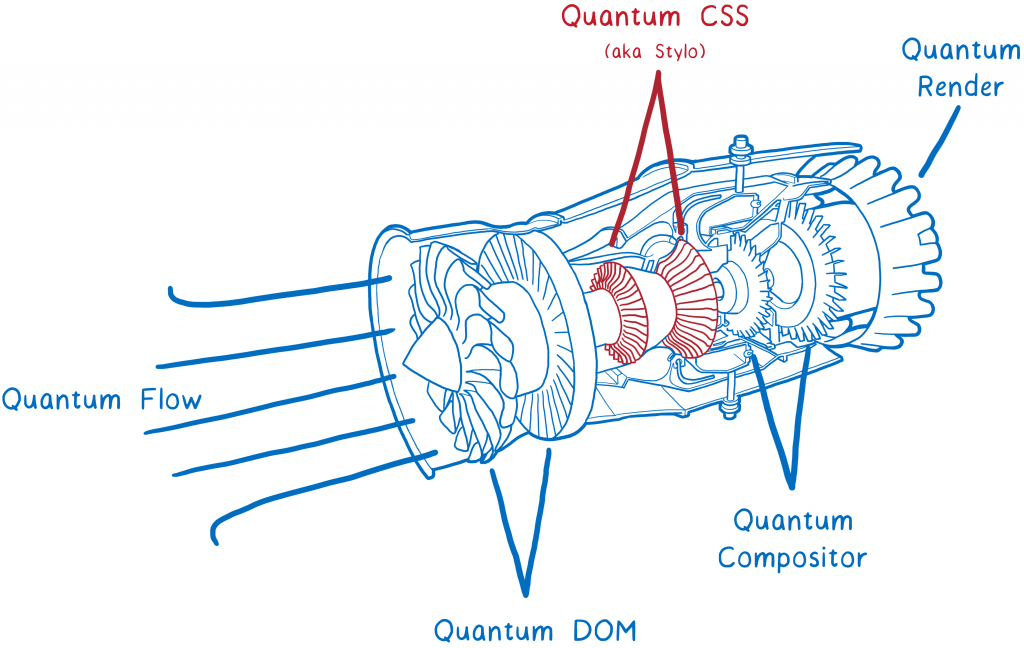
Firefox 57 has been released! Included in this release is a new UI and Quantum CSS. This is the first part of a major rewrite of many of the browser’s components using the programming language Rust. The overall effort is called Project Quantum, and the goal is to make the web browser do more work in parallel, making better use of modern multi-core processors. I have to say the results so far are pretty significant. The browser is a whole lot faster then it used to be.
If you already have Firefox installed, it should automatically update soon. If you do not already have it, you can download the new Firefox here.
Over the past few months I have been making some improvements to the website. The first update was a new responsive theme that works better on mobile devices. The second update was upgrading to PHP7 and configuring SSL. Now, I have gone back through years of posts and replaced (almost) all of the Flash video content with a HTML5 video player. A lot of the videos were already in a supported format, so the flash based video player was just swapped out. Other videos were replaced with Youtube embeds, while others were re-encoded and re-uploaded. The main goal for this was to get the site fully functional on mobile, plus Adobe is ending Flash support in 2020. Please let me know if you run into any issues.