Currently Browsing: Tech


Xbox 360 Overheating Fixed

For the past couple of months, I have had an issue where my Xbox 360 would constantly overheat. Sometimes it would overheat in less than 5 minutes just sitting at the Xbox 360 dashboard. Seeing as it should not be overheating that quickly, I figured there was a good chance that my system was just too dirty, preventing proper air-flow. My launch Xbox 360 has the newer heatsink cooling solution after being sent in for repairs for the RROD twice, so I figured the culprit in this case was probably dust.

Let me start by saying that I have had my Xbox 360 since launch. Since then I have sent it in to repairs three times. Twice for the RROD and once for broken DVD drive in a refurbished console they sent back to me after the 2nd RROD. Overall, the repair experience was good and fast, and if your console is still under warranty I would always suggest sending it in for repairs. Once you open it, your warranty becomes void and there is no going back. However, my warranty expired some time ago, and I was not willing to pay the fee to have Microsoft fix what could be a simple issue. Plus, I had gotten to the point that something had to happen, either I fix this issue or I need a new console. So with nothing to lose I opened it up.

The easiest way to open it up is to order the Xbox 360 Case Opening Tool. It’s only a few dollars, comes with everything you need to open the Xbox 360, and it saves you a lot of effort. In addition to that, I also needed a compressed gas duster. They sell these at every computer store, including shops like K-Mart or Wal-Mart.

Opening the Xbox 360 is a bit of a chore. It was designed in such a way to prevent home users from being able to open it, which is why the case tool is so useful. Once you have it, you simply need to follow one of the many guides online. Personally, I suggest this guide, which assumes you are using the case tool. I found it pretty easy to follow, with a nice set of pictures to go along with each step. If you are set against buying the case tool, you could always follow this video guide.

After following those instructions, you should now have the Xbox 360 open. All that is left to do is to remove the fan shroud, lift out the DVD Drive (either disconnect it or just move it out of the way) and blow out all the metal heatsinks with compressed gas. It’s also not a bad idea to blow out the fans as well. Just hold them steady as you do so as not to damage them.

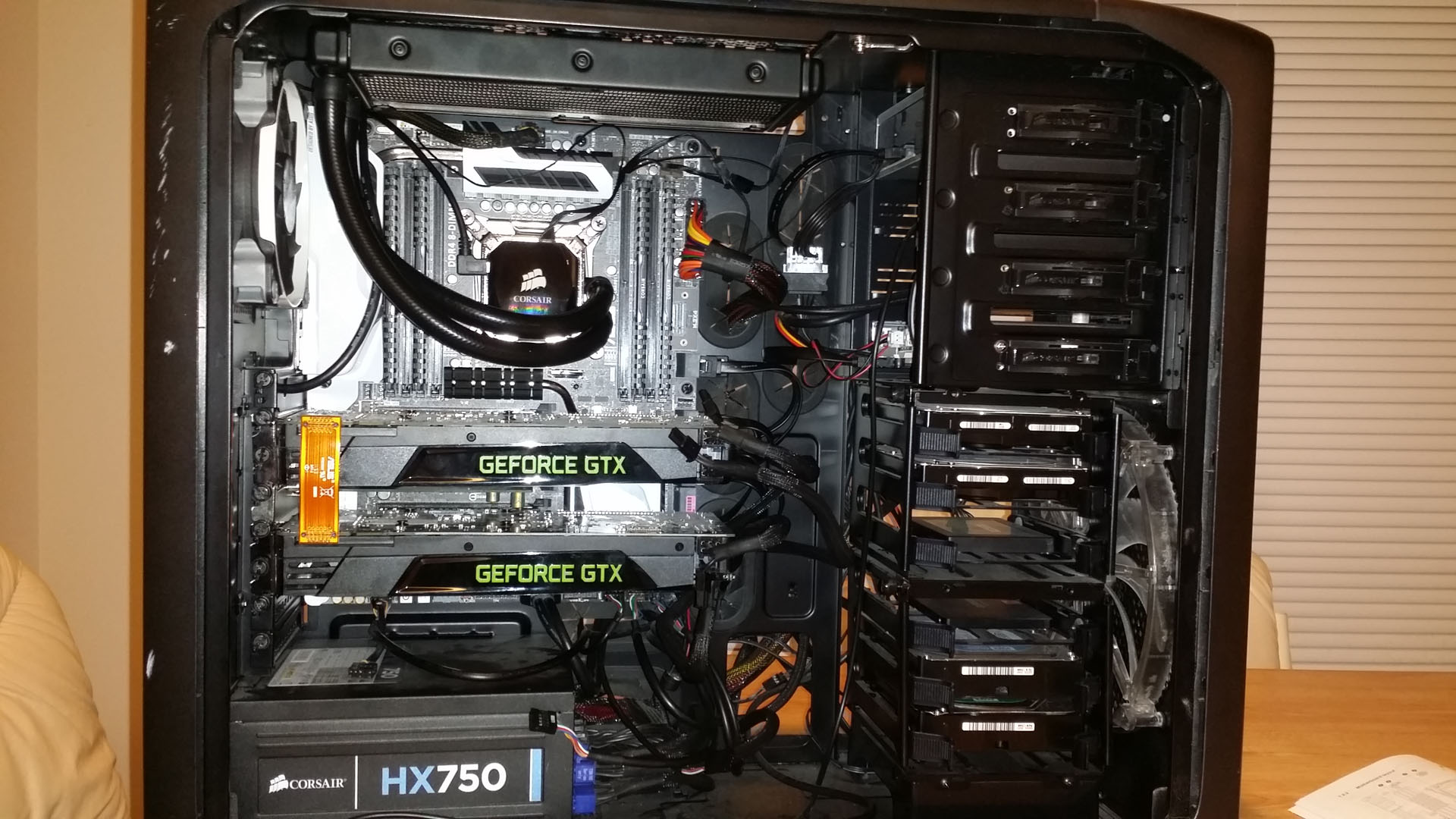
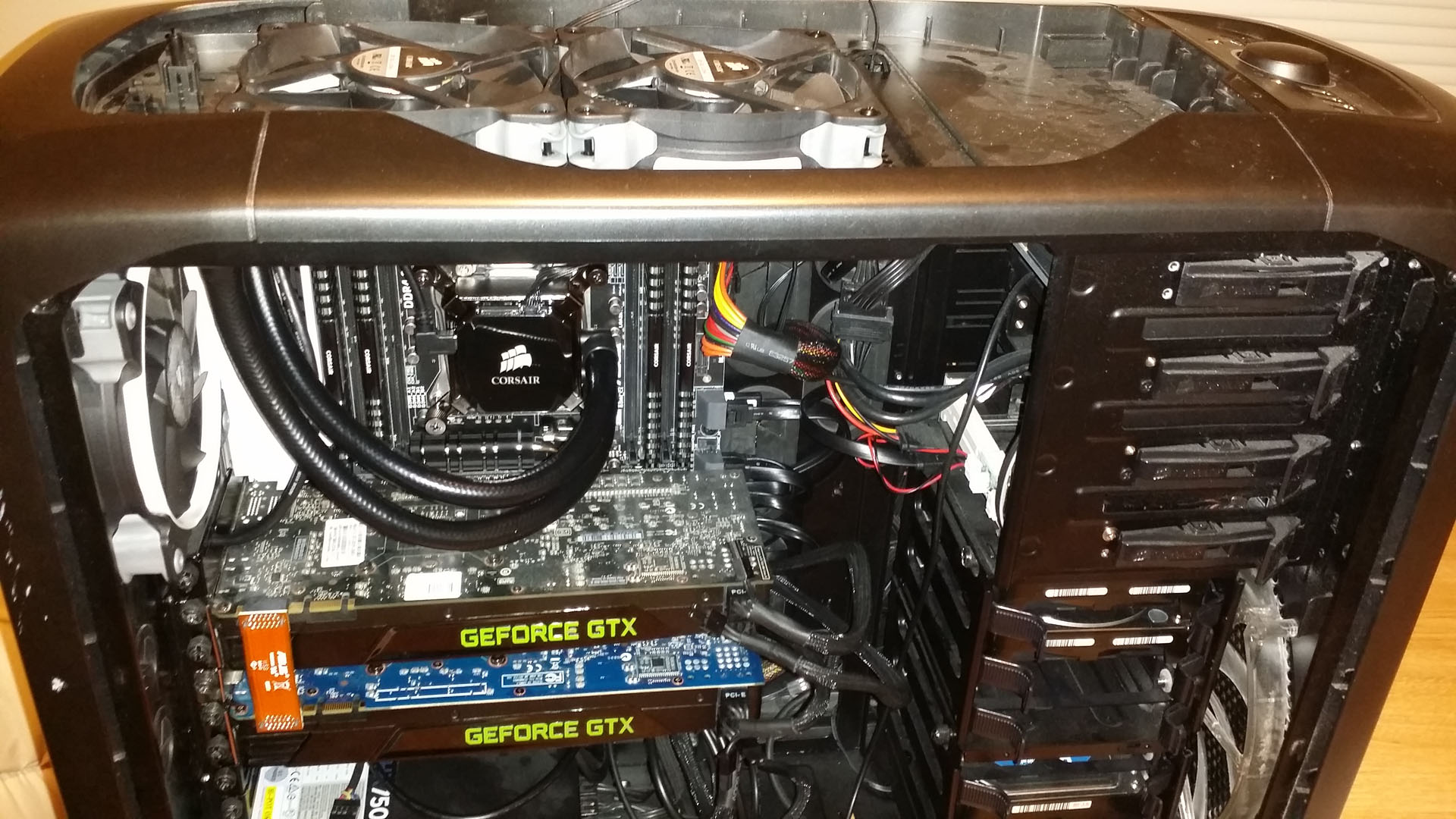
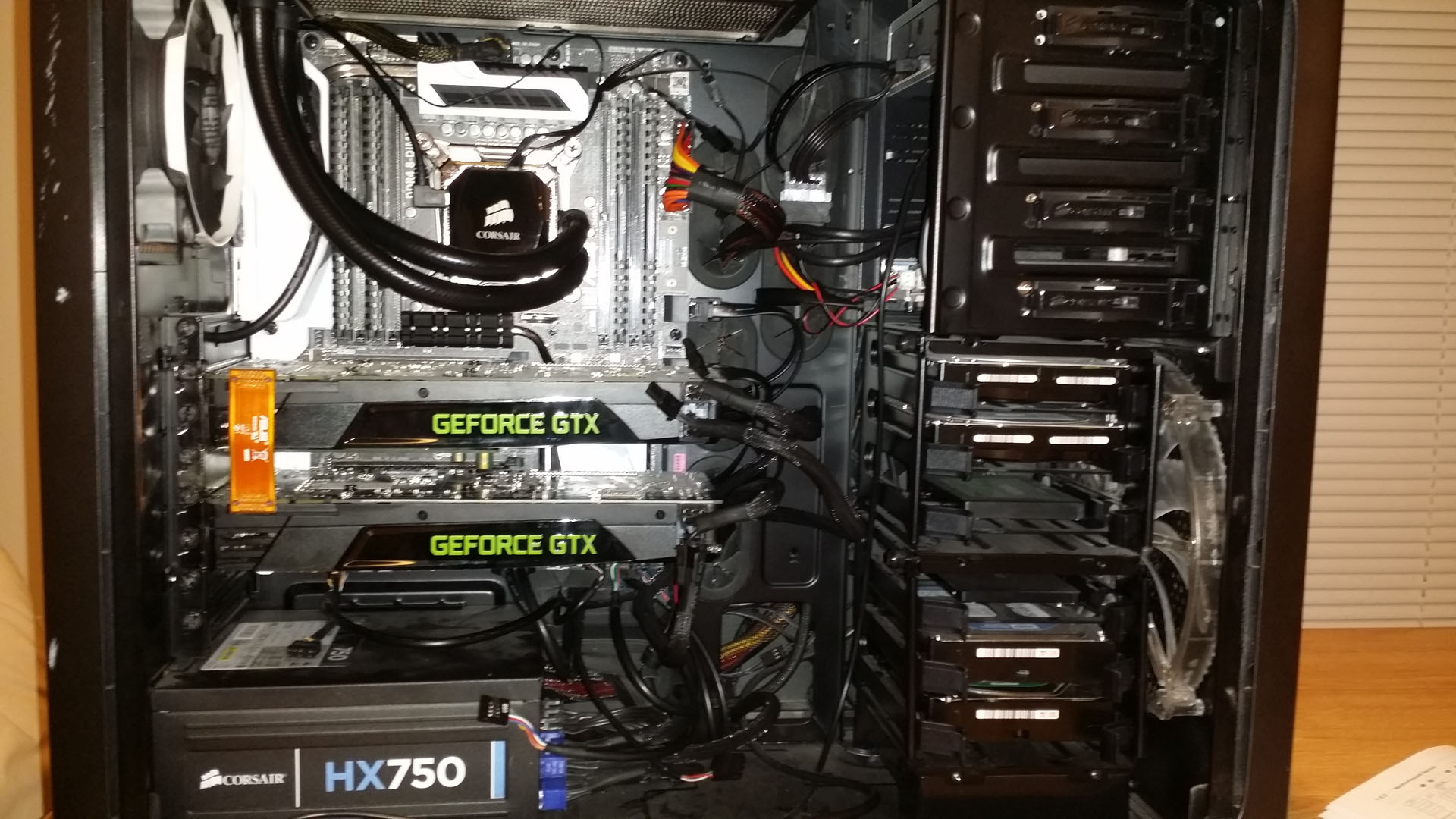
From these low quality cell phone camera photos (I need to get a new one), you can see that the heatsinks on mine were pretty dirty. After blowing everything out, it was good as new. Then I simply put the console back together by following the steps exactly in reverse order. I have used the Xbox 360 for a few days now and it has not overheated once. In fact, it’s noticeably quieter since the fans are not spinning as fast to cool it off.


Got a Playstation 3

So, I have been considering buying a Blu-Ray player for a while now. I have a pretty good collection of HD-DVDs that I don’t regret buying, but it is time to move on from that format. Considering that there are finally enough exclusive games on the Playstation 3 that I am interested in playing, I ended up getting the 250GB Slim model. I only have two games so far, Uncharted and Resistance 2, but my roommate has a few others that I will be playing in the future. I have been using it for a little over a week, so a “review” of sorts will have to wait. So far I can say that I am enjoying it, even though the interface is abysmal. Feel free to friend me on Playstation Network (under NeutralX2 as always).


The Website Is Down: Sales Demolition

Biz tip of the week: Get your clients in the room and shove your product down their throats in a sales demo.

Presented in 360* span-o-vision (where available)

If you missed the last one you can find it here.


The Website Is Down: Remain Calm

Chip demonstrates his special procedure for a hot-swap hard drive replacement using only his steel-toed boot and his razor thin patience. Watch and learn!

If you missed the last one you can find it here.


Nvidia Adds Ambient Occlusion

Nvidia recently added support for Ambient Occlusion to their new drivers, and I have to say that I am pretty pleased. Ambient Occlusion adds realism to scenes by reducing the intensity of ambient lights on surfaces blocked by surrounding objects. It enhances depth perception by providing a soft shadow effect for objects based on their placement in the scene.

Standard lighting models compute the color of a surface based on its properties and the lights in a scene. Objects that are in the path of a light cast shadows, otherwise, their presence does not affect the lighting of other objects. Ambient occlusion improves this model by accounting for the dimming caused by objects that block out ambient light. An example of this is the junction where a wall and a ceiling meet; while no direct shadows are cast, the corner nevertheless appears darker. Ambient occlusion simulates this phenomenon, along with all other cases where objects are close enough to block out ambient light.

Currently only 22 titles are enabled with ambient occlusion profiles, but they managed to hit most of the games I am currently playing on the PC anyway such as Fallout 3, Team Fortress 2, and Counter Strike Source. Hopefully more support for other games will be coming soon.

halflife.GIF

mirrorsedge.GIF

wow.GIF

The following 22 titles are enabled with ambient occlusion profiles:

  • Assassin’s Creed
  • BioShock
  • Call of Duty 4
  • Call of Duty 5
  • Call Of Juarez
  • Company Of Heroes
  • Counter-Strike Source
  • Dead Space
  • Devil May Cry 4
  • F.E.A.R. 2
  • Fallout 3
  • Farcry 2
  • Half Life 2 series
  • Left 4 Dead
  • Lost Planet: Colonies
  • Lost Planet: Extreme Condition
  • Mirror’s Edge
  • Portal
  • Team Fortress 2
  • Unreal Tournament 3
  • World In Conflict
  • World of Warcraft
Page 5 of 16« First...34567...10...Last »